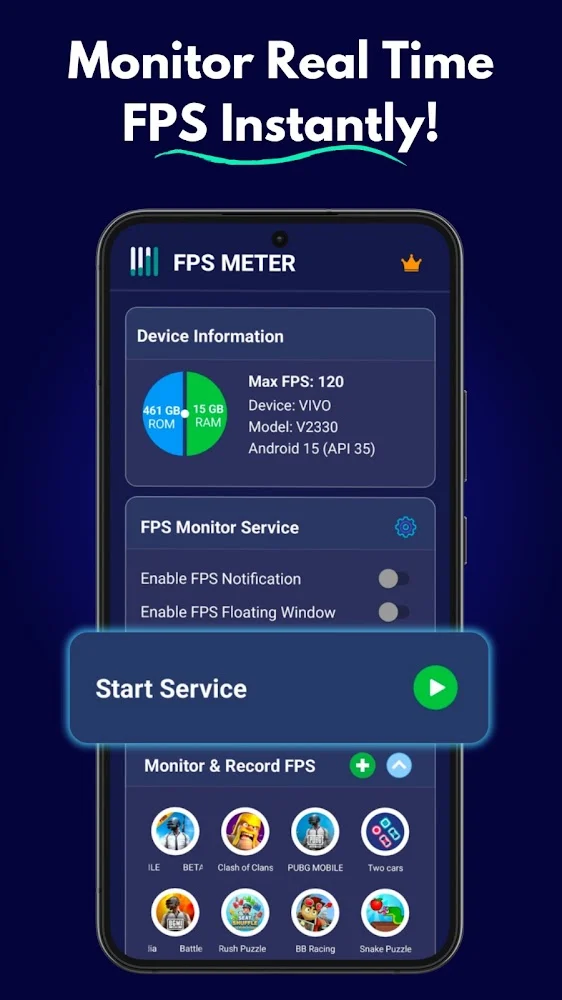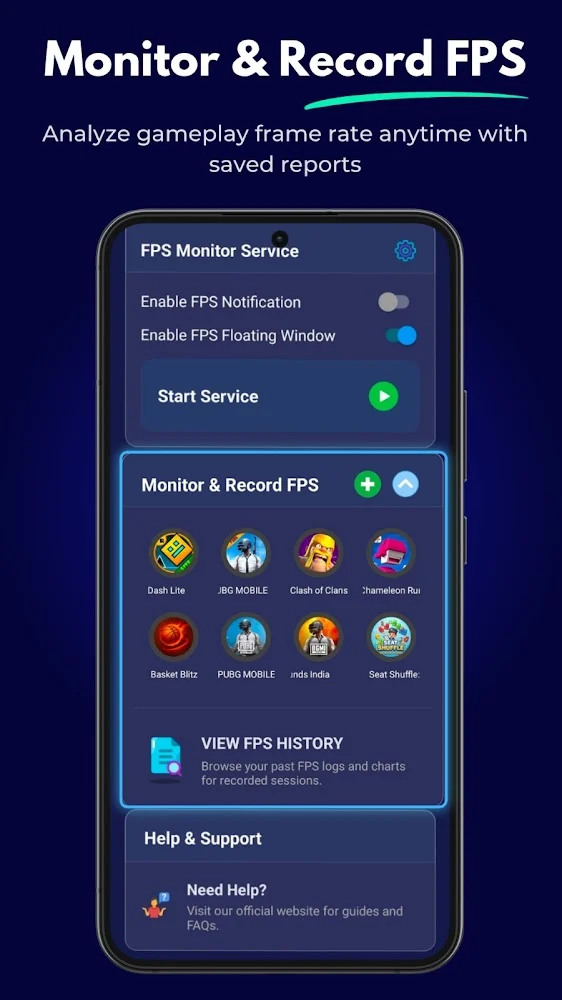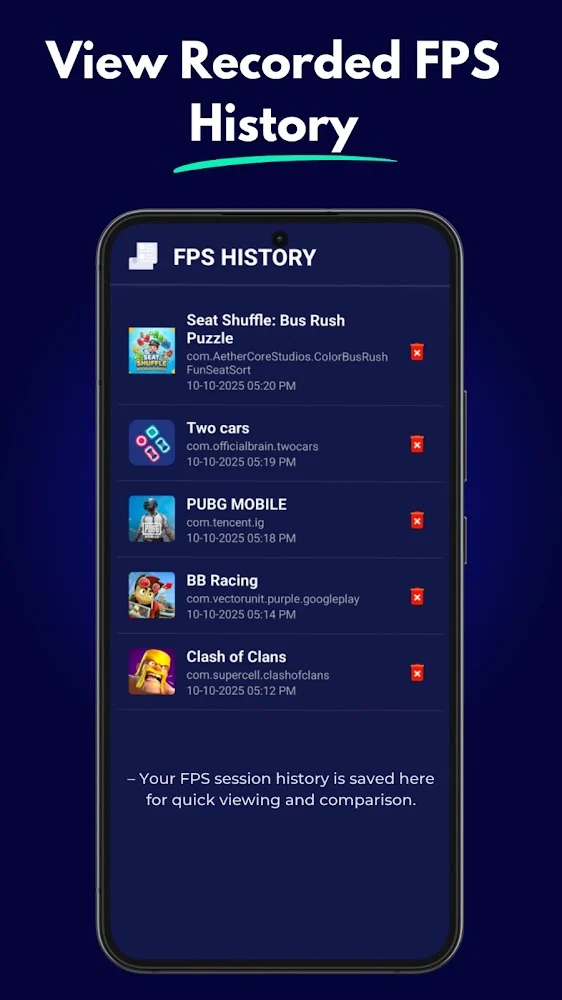
Players could feel lag but couldn't measure it. They needed a way to see their real frame rate while playing, without leaving the game or slowing it down.
What we built
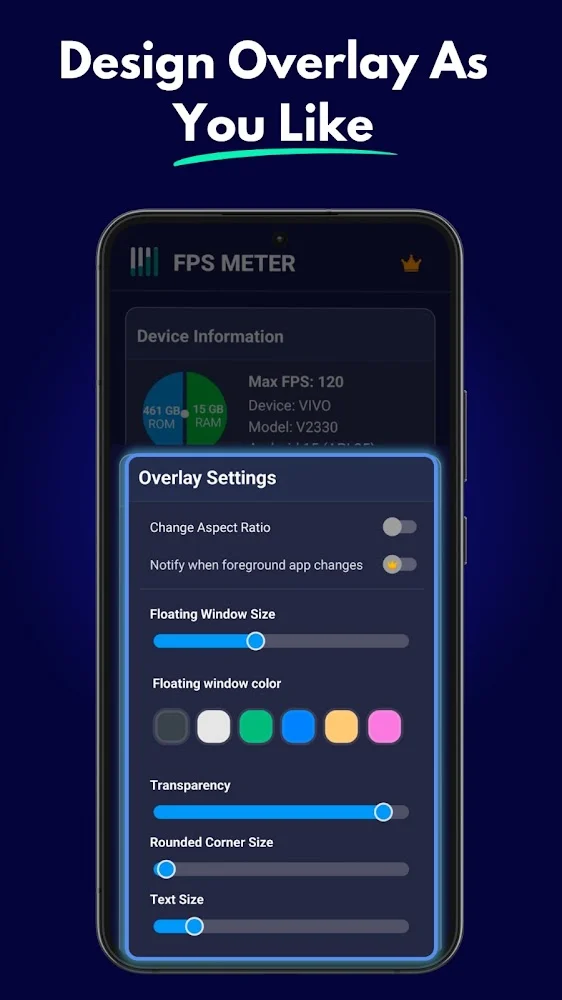
- 1Built a small floating FPS bubble that stays on top of any game and shows the frame rate live.
- 2Made it one tap to turn the monitor on or off, so it's out of the way when not needed.
- 3Focused on staying light, so measuring performance doesn't hurt performance.
The results
FPS Meter is live on Google Play with 100K+ downloads, 842 Google Play reviews and 3.8★ average rating. Numbers are from the app's Google Play listing, last updated Jul 29, 2026.
What we learned: Overlay apps live or die by how light they are. Measure, keep it small, and stay out of the user's way.